The Complete Guide to Phones & Internet in Korea
Key Takeaways
- eSIM is the easiest option for most travelers — activate instantly without visiting a store
- Korea has blazing-fast internet everywhere, including free WiFi in subways, buses, and most cafes
- Get KakaoTalk before you arrive — it’s how all of Korea communicates
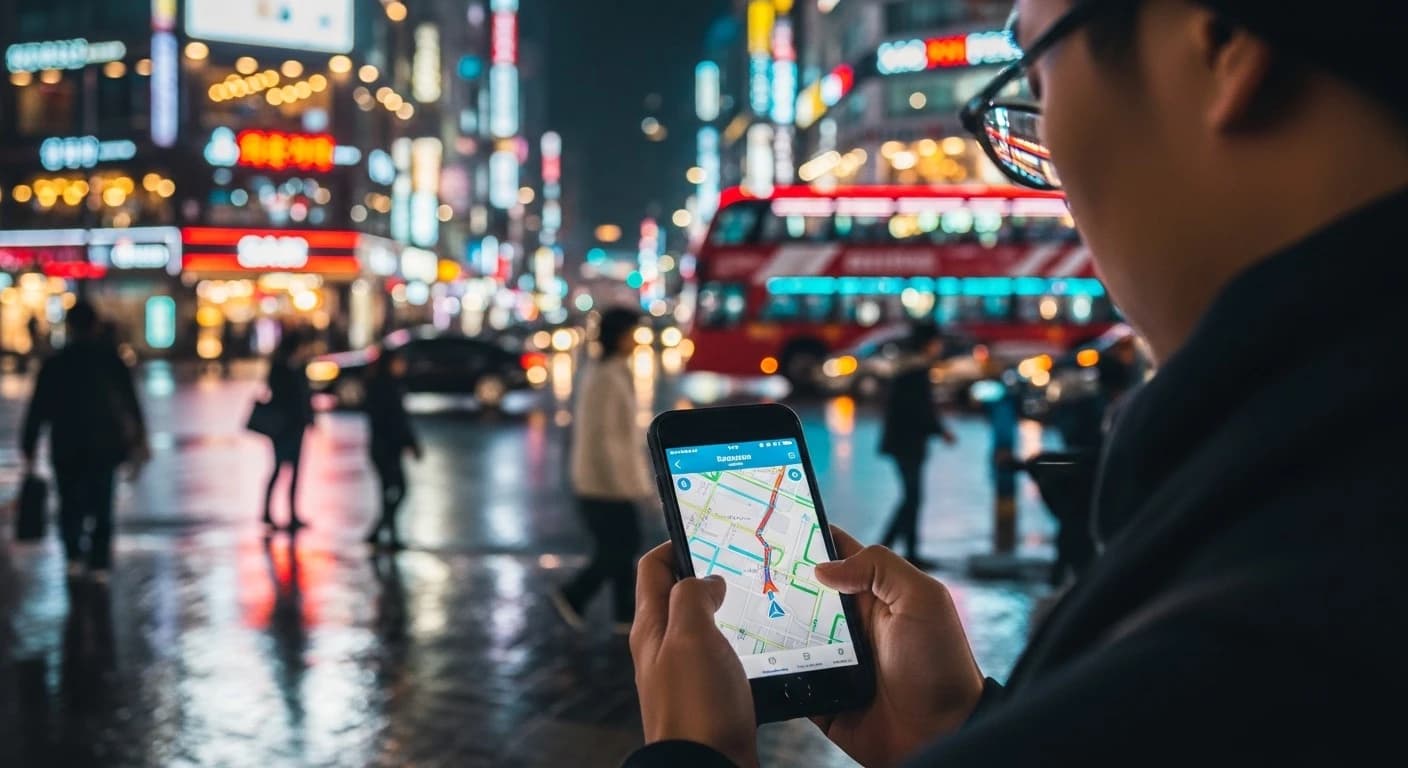
- Naver Map (not Google Maps) is the go-to navigation app in Korea
- Foreign credit cards work widely, but mobile payment apps (KakaoPay, Naver Pay) make small purchases much easier
You just landed at Incheon Airport. Your phone has no signal. You can’t open your map, can’t message your Airbnb host, can’t figure out how to get to Seoul. Sound stressful?
It doesn’t have to be. Korea is one of the most connected countries on Earth — average mobile speeds here are among the fastest in the world, free WiFi is everywhere, and getting set up takes less time than grabbing your luggage.
This guide covers everything you need to stay connected: SIM cards, eSIMs, WiFi, essential apps, mobile payments, and home internet for long-term stays.
Your Options: SIM Card vs. eSIM vs. Pocket WiFi
Before diving into the details, here’s a quick comparison of your three main options for mobile data in Korea:
| Option | Best For | Price Range | Pros | Cons |
|---|---|---|---|---|
| eSIM | Most travelers | $10–$30 (5–30 days) | Instant setup, no physical card needed | Requires eSIM-compatible phone; no Korean phone number |
| Physical SIM | Travelers who need a Korean number | ₩20,000–₩55,000 (5–30 days) | Get a real Korean phone number, works on any unlocked phone | Must visit a store or counter |
| Pocket WiFi | Groups / families | ₩3,000–₩5,000/day | Connect multiple devices, unlimited data | Must carry an extra device, needs daily charging |
Our recommendation: For most short-term visitors, an eSIM is the fastest and most hassle-free option. If you need a Korean phone number (for signing up to Korean services, receiving verification texts, etc.), go with a physical SIM card.
Getting a SIM Card in Korea

At the Airport (Fastest)
All three major carriers operate counters at Incheon Airport (ICN) and Gimpo Airport (GMP):
| Carrier | Location at Incheon | Hours | Tourist SIM Options |
|---|---|---|---|
| SK Telecom (SKT) | Terminal 1 & 2, Arrivals | 6 AM – 10 PM | 5/10/20/30-day plans |
| KT | Terminal 1 & 2, Arrivals | 7 AM – 10 PM | 5/10/20/30-day plans |
| LG U+ | Terminal 1 & 2, Arrivals | 7 AM – 9 PM | 5/10/20/30-day plans |
What you’ll need:
- Your passport
- An unlocked phone (this is important — carrier-locked phones from some countries won’t work)
- About 10 minutes
Typical tourist SIM prices (prepaid):
| Duration | Data | Price (approx.) |
|---|---|---|
| 5 days | Unlimited data (throttled after 1–2GB/day) | ₩20,000–₩25,000 |
| 10 days | Unlimited data | ₩30,000–₩35,000 |
| 20 days | Unlimited data | ₩40,000–₩45,000 |
| 30 days | Unlimited data | ₩45,000–₩55,000 |
All tourist SIM plans include unlimited data at 4G/5G speeds. Some plans throttle speeds after a daily limit (usually 1–2 GB), but even throttled speeds are fast enough for maps, messaging, and social media.
At Convenience Stores
If you miss the airport counters, you can buy prepaid SIM cards at CU, GS25, and 7-Eleven convenience stores nationwide. Look for SIM card displays near the register. The staff can help you activate it — just hand over your passport.
Online (Pre-order)
Several services let you order a SIM card online before your trip and either pick it up at the airport or have it delivered to your Korean accommodation:
- Klook and KKday: Popular among travelers, easy English interface
- Trazy and Creatrip: Korea-focused travel platforms
- Carrier websites: SKT, KT, and LG U+ all have English pages for tourist SIMs
eSIM: The Easiest Option
If your phone supports eSIM (most phones released since 2020 do), this is by far the simplest route. No store visits, no physical cards — just scan a QR code and you’re connected.
How eSIM Works
- Purchase online before or after arrival (Airalo, Holafly, Ubigi, eSIM Korea, etc.)
- Scan the QR code or install the eSIM profile on your phone
- Activate when you land in Korea — instant connection
Popular eSIM Providers for Korea
| Provider | Data | Duration | Price (approx.) | Notes |
|---|---|---|---|---|
| Airalo | 1GB – 20GB | 7–30 days | $5–$26 | Wide range of plans |
| Holafly | Unlimited | 5–90 days | $19–$84 | Unlimited data, no throttling |
| Ubigi | 1GB – 10GB | 7–30 days | $8–$23 | Reliable coverage |
| eSIM Korea (KT) | Unlimited | 5–30 days | $15–$45 | Uses KT’s network directly |
eSIM Pros and Cons
Pros:
- Instant activation — no waiting in airport lines
- Keep your home SIM active simultaneously (dual SIM)
- No physical card to lose
- Often cheaper than physical SIM cards
Cons:
- No Korean phone number — you can’t receive Korean SMS or sign up for services requiring phone verification
- Requires an eSIM-compatible phone
- Can’t share data with other devices (unlike pocket WiFi)
Checking eSIM Compatibility
Go to your phone’s settings and look for “eSIM” or “Cellular Plans.” Most recent iPhones (XS and later), Samsung Galaxy (S20 and later), and Google Pixel phones support eSIM. If in doubt, check your phone manufacturer’s website before purchasing.
Pocket WiFi: Best for Groups
A pocket WiFi device is a small portable router that creates a WiFi hotspot. You rent it and return it — usually at the airport.
How It Works
- Reserve online before your trip
- Pick up at the airport counter (or hotel delivery)
- Connect your phone, tablet, laptop — up to 5–10 devices
- Return at the airport before departure
Pocket WiFi Rental Prices
| Provider | Daily Rate | Data | Max Devices |
|---|---|---|---|
| WiFi Dosirak | ₩3,300/day | Unlimited | 5 |
| KT WiFi | ₩4,000/day | Unlimited | 10 |
| SK WiFi | ₩3,500/day | Unlimited | 5 |
When pocket WiFi makes sense:
- Traveling as a group (split the cost — cheaper than individual SIMs)
- You have multiple devices (phone + tablet + laptop)
- Your phone doesn’t support eSIM and you don’t want to swap SIM cards
Downsides:
- One more device to carry and charge daily
- Limited range — everyone needs to stay close to the device
- If you lose it, replacement fees are steep (₩100,000+)
Korea’s Three Major Carriers
If you’re curious about which network you’re actually using:
| Carrier | Market Share | Strengths | Tourist SIM? |
|---|---|---|---|
| SK Telecom (SKT) | ~45% | Largest network, best 5G coverage | Yes |
| KT (Korea Telecom) | ~30% | Strongest WiFi infrastructure, reliable 4G/5G | Yes |
| LG U+ | ~20% | Competitive pricing, good urban coverage | Yes |
For short-term visitors, there’s no practical difference between the three — all offer excellent coverage nationwide. Even in rural areas and on islands like Jeju, you’ll have strong signal.
MVNOs (Budget Carriers)
Korea also has numerous MVNOs (budget carriers) that use the big three carriers’ networks at lower prices. These are mainly relevant for long-term residents, not tourists:
- Tplus, Mobing, Snowman (use SKT network)
- KT M Mobile, FreeT (use KT network)
- U+ Prepaid, Mediatel (use LG U+ network)
MVNOs offer monthly plans starting from ₩10,000–₩15,000 for basic data + calls. If you’re staying in Korea for several months, an MVNO plan can save you significant money compared to the big three.
Tip for budget-conscious travelers: Some MVNOs like Woori Mobile and Chingu Mobile now offer tourist-friendly eSIMs and SIM cards at significantly lower prices than the Big Three airport counters. Check online before your trip for potential savings.
Korea’s WiFi Situation

Here’s the good news: Korea has some of the best WiFi infrastructure in the world. You’ll find free WiFi in more places than you’d expect.
Where You’ll Find Free WiFi
| Location | WiFi Availability | Speed | Notes |
|---|---|---|---|
| Seoul Metro (subway) | All stations + inside trains | Good | Network: “Seoul_WiFi” or “T_WiFi” |
| City buses | Most buses in Seoul/major cities | Moderate | Can be spotty during rush hour |
| KTX (bullet trains) | All cars | Good | Free for all passengers |
| Cafes | Almost all cafes | Excellent | Password usually on receipt or posted near register |
| Convenience stores | Most CU, GS25, 7-Eleven | Good | “FreeWiFi” networks available |
| Airports | Incheon, Gimpo, all domestic | Excellent | No login required at Incheon |
| Public areas | Major plazas, tourist zones | Moderate | Look for “PublicWiFi@Seoul” or “Korea_WiFi_Free” |
| Shopping malls | All major malls | Good | Usually no password needed |
WiFi Tip
Even if you have a SIM card or eSIM, connect to cafe WiFi when you’re sitting down for coffee. It’s typically faster than mobile data and saves your data allowance (if your plan has daily caps).
Can You Survive on WiFi Alone?
Technically, yes — but we wouldn’t recommend it. Free WiFi is available in many places, but you’ll have dead zones when walking between locations, in taxis, and in some neighborhoods. Having mobile data as your baseline with WiFi as a bonus is the stress-free approach.
Must-Have Apps for Korea
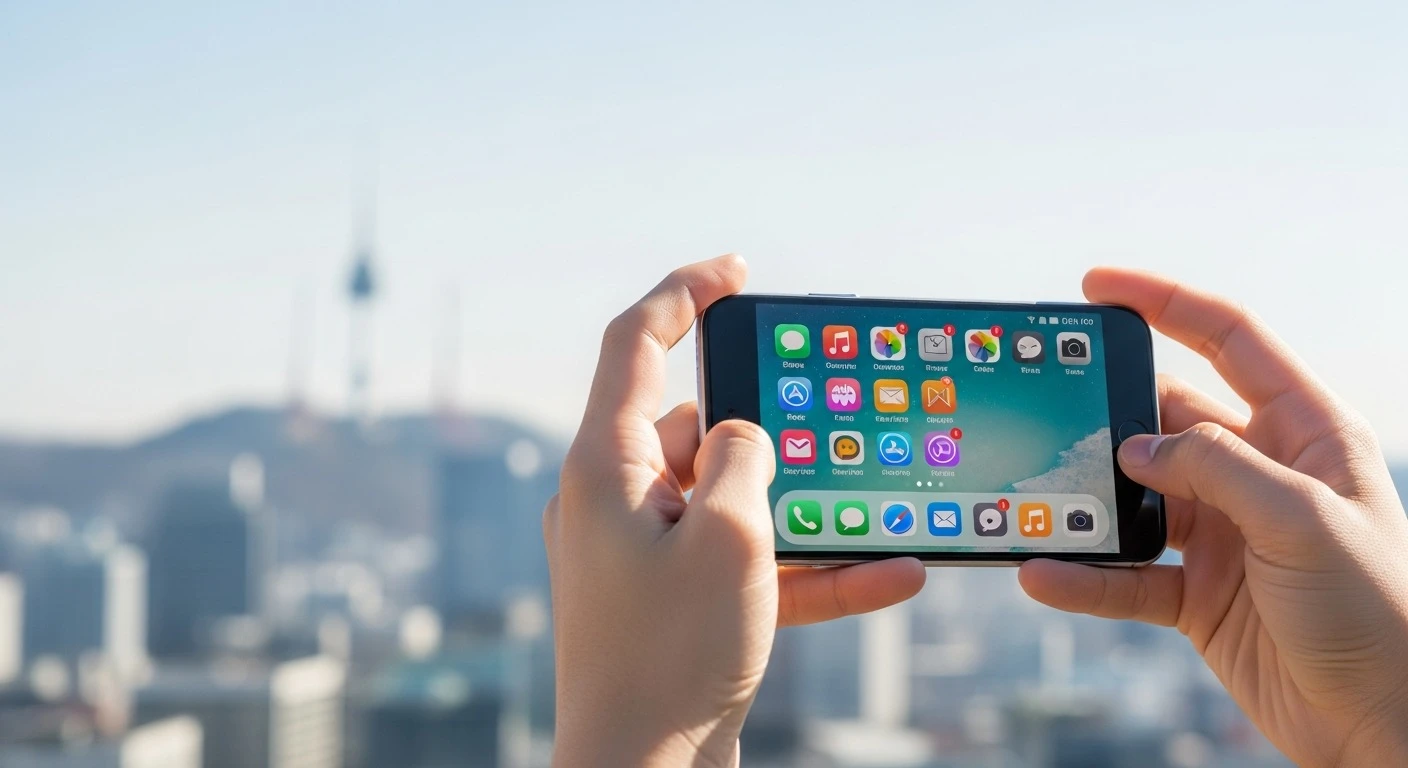
Your phone is your lifeline in Korea. These are the apps you should download before arrival (some require a data connection to set up):
Communication
KakaoTalk (free) — This is not optional. KakaoTalk is Korea’s default messaging app, used by 95%+ of the population. Restaurants use it for reservations, businesses use it for customer service, and your Korean friends will expect you to have it. Think of it as Korea’s WhatsApp — but more deeply integrated into daily life.
Navigation
Naver Map (free) — Google Maps works in Korea, but it’s significantly less accurate for transit directions, walking routes, and local business info. Naver Map is what Koreans actually use. It has an English interface and provides real-time bus/subway arrival info, walking navigation, and detailed indoor maps of malls and subway stations.
Kakao Map (free) — Another excellent option, similar to Naver Map. Some users prefer its interface. Having both installed gives you the best coverage.
Transportation
Kakao T (free) — Korea’s Uber equivalent. Call a taxi with one tap. The app shows estimated fare, driver info, and real-time location. Much easier than flagging down a taxi, especially at night or in less busy areas. Supports credit card payment through the app.
TMAP (free) — Another navigation/taxi app by SK Telecom. Good for calling taxis and checking real-time traffic.
Food & Delivery
Baemin (free) — Korea’s #1 food delivery app. The interface is primarily in Korean, but it has a simplified English mode. Delivers everything from Korean BBQ to fried chicken to your hotel or Airbnb.
Coupang Eats (free) — Another popular delivery app with a slightly more intuitive interface for non-Korean speakers.
MangoPlate (free) — Restaurant reviews and recommendations. Think Korean Yelp. Useful for finding highly-rated restaurants near you.
Daily Life
Papago (free) — Naver’s translation app. Better than Google Translate for Korean. Has camera translation (point at a menu and it translates in real-time), voice translation, and conversation mode. Essential for reading Korean menus and signs.
Subway Korea (free) — Clean, simple subway route planner. Shows travel time, number of transfers, and estimated fare. Works offline once downloaded.
KakaoBank / Toss — If you open a Korean bank account (for long-term stays), these fintech apps are far superior to traditional banking apps.
Mobile Payments in Korea
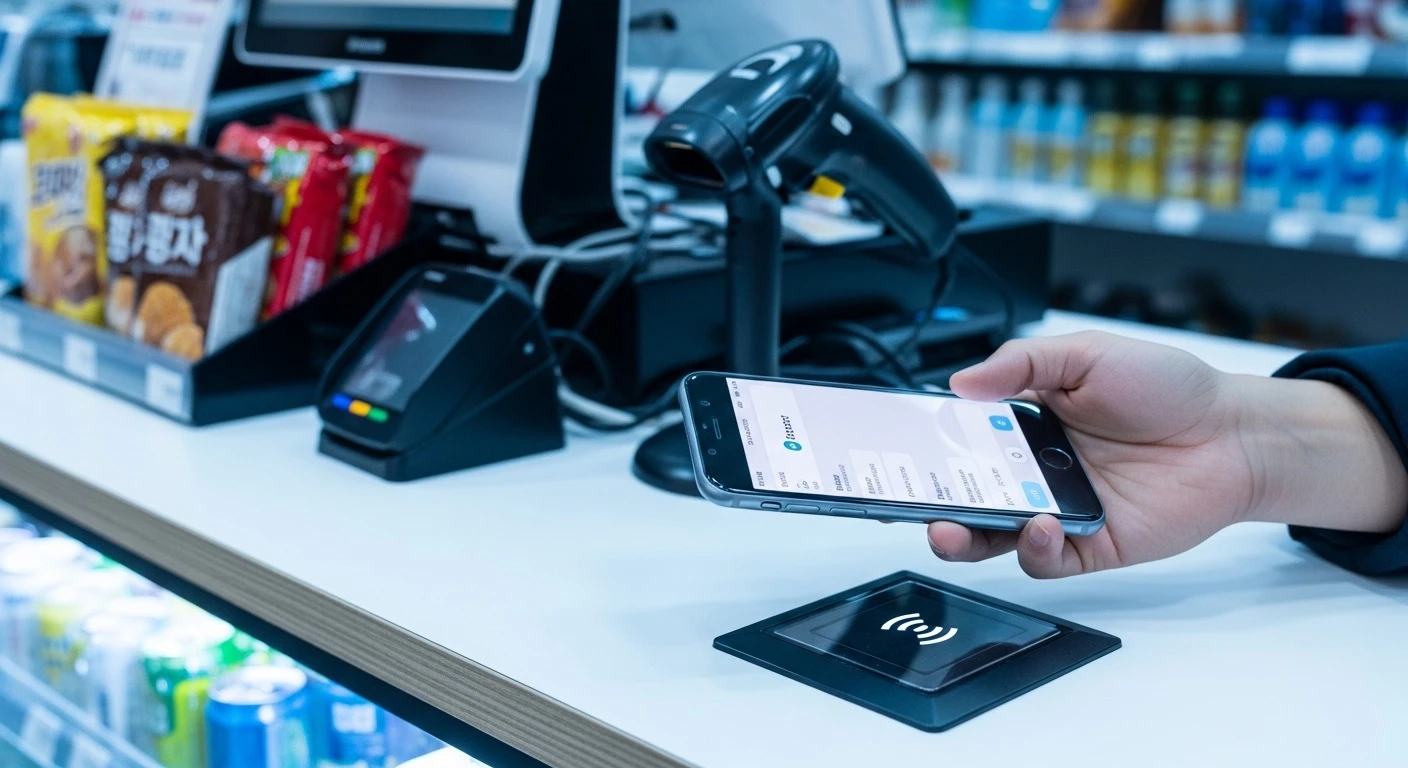
Korea is one of the most cashless societies on Earth. Credit cards are accepted virtually everywhere — even street food vendors and tiny corner shops. But mobile payments take it to another level.
For Tourists: Credit/Debit Cards Are Usually Enough
Most international Visa and Mastercard credit/debit cards work at:
- All convenience stores
- Restaurants and cafes
- Subway ticket machines
- Taxis (through Kakao T app)
- Most shops and department stores
Note: Some very small local restaurants and traditional market vendors may be cash-only. Carry ₩30,000–₩50,000 in cash as backup.
Korean Mobile Payment Apps
| App | How It Works | Usable by Tourists? |
|---|---|---|
| Samsung Pay | NFC tap on any card terminal | Yes — if you have a Samsung phone with a Korean-issued card |
| Apple Pay | NFC tap at supported terminals | Limited — works with foreign cards but only at ~10% of merchants (major chains, department stores) due to NFC terminal limits |
| KakaoPay | QR code scan or NFC | Limited — requires Korean bank account or Korean card |
| Naver Pay | QR code scan or in-app | Limited — works for online purchases with foreign cards |
| Zero Pay | QR code scan | No — Korean bank account required |
Realistic advice for tourists: Stick with your physical credit/debit card as your primary payment method. Apple Pay works at major chains but acceptance is still limited. KakaoPay and Naver Pay are incredibly convenient but require Korean financial accounts to fully use.
Tipping
Korea has no tipping culture. Don’t tip at restaurants, cafes, taxis, or hotels. It can actually cause confusion. The price you see is the price you pay.
Home Internet for Long-Term Residents
Moving to Korea for work, study, or an extended stay? You’ll want home internet — and Korea’s broadband is legendary.
Speed and Quality
Korea consistently ranks among the top 3 countries globally for internet speed. Home broadband plans typically offer:
- Download: 100 Mbps – 10 Gbps
- Upload: 100 Mbps – 1 Gbps
- Latency: 2–5 ms
Yes, 10 Gbps residential internet exists in Korea. Even the cheapest plans (100 Mbps) are faster than premium plans in many other countries.
Major ISPs
| ISP | Speed Options | Monthly Price | Contract |
|---|---|---|---|
| KT (Korea Telecom) | 100M / 500M / 1G / 10G | ₩22,000–₩55,000 | 1–3 years |
| SK Broadband | 100M / 500M / 1G / 10G | ₩22,000–₩55,000 | 1–3 years |
| LG U+ | 100M / 500M / 1G / 10G | ₩22,000–₩55,000 | 1–3 years |
For most people, the 500 Mbps plan (~₩27,500/month) hits the sweet spot — fast enough for 4K streaming, gaming, and video calls simultaneously.
How to Sign Up
- Choose a provider — all three are excellent; ask your building which provider has infrastructure installed (some buildings only support 1–2 providers)
- Visit a store or call — bring your Alien Registration Card (ARC) and Korean phone number
- Installation — a technician visits your home, usually within 2–3 days
- Contract: Most plans require a 1–3 year contract. Breaking early means paying a penalty (typically ₩100,000–₩200,000)
Tips for Foreigners
- Shared housing / goshiwon: Internet is usually included in rent — no need to sign up separately
- Officetels and apartments: Check if internet is bundled with your building’s management fee
- Short-term stays (1–6 months): Some providers offer no-contract plans at a slightly higher monthly rate
- ARC required: You’ll need your Alien Registration Card to sign up for most broadband plans
Quick Connectivity Checklist
Before your trip:
- Check if your phone is unlocked — call your carrier back home to confirm
- Check eSIM compatibility — look in your phone’s cellular settings
- Download essential apps — KakaoTalk, Naver Map, Papago, Kakao T
- Purchase eSIM or reserve SIM/WiFi — do this before you fly to avoid airport scrambling
- Carry a small amount of cash — ₩50,000 as backup for the rare cash-only situation
After you arrive:
- Activate your SIM/eSIM — verify data is working
- Connect to airport WiFi if needed — free at Incheon, no login
- Test KakaoTalk — send a message to confirm it’s working
- Open Naver Map — navigate to your accommodation with confidence
Have questions about phones or internet in Korea? Drop a comment below and we’ll help you get connected!