How to Open a Bank Account & Transfer Money in Korea as a Foreigner

Key Takeaways
- You need an ARC (Alien Registration Card) or passport to open a Korean bank account — tourists can open limited accounts at select branches
- KB Kookmin and Shinhan are the most foreigner-friendly banks with English-speaking staff and English mobile apps
- Exchange currency at private exchange booths (like those in Myeongdong) for the best rates — avoid airport kiosks
- For international transfers, Wise (formerly TransferWise) beats bank wire transfers on fees by a wide margin
- Korean mobile banking apps handle almost everything — but setting them up requires patience and sometimes an in-branch visit
Managing money in a foreign country is one of those things that sounds simple until you actually try to do it. Back home, you tap your card, check your app, and move on. In Korea, the banking system works brilliantly — once you’re inside it. Getting inside it as a foreigner? That’s the part that takes some navigating.
This guide covers everything: opening a bank account, getting a debit card, exchanging money, sending funds back home, and using mobile banking. Whether you’re here for a semester, a teaching contract, or a longer stay, this is the practical stuff you’ll wish someone had told you on day one.
Who Can Open a Korean Bank Account?
The short answer: almost any foreigner living in Korea. But the process and account type depend on your visa status.
Long-term residents (with ARC)
If you have an Alien Registration Card — which you’ll get after registering at immigration on a work visa, student visa, or other long-term visa — you can open a full bank account with no restrictions. This is the standard process for most expats, English teachers, and exchange students.
What you need:
- Passport
- ARC (Alien Registration Card)
- Korean phone number (for verification)
- Proof of employment or enrollment (some banks ask, some don’t)
Tourists and short-term visitors (no ARC)
This is trickier. Technically, tourists can open a limited-function account at certain bank branches, but it’s not guaranteed. Post-2019 anti-money-laundering regulations tightened the rules considerably.
What you need:
- Passport
- Korean phone number (prepaid SIM works)
- A reason for needing the account (some banks will ask)
Reality check: Many branches will turn you away if you don’t have an ARC. Your best bet is visiting a foreigner-specialized branch in areas like Itaewon, Hongdae, or near university campuses. KB Kookmin’s Itaewon branch and Shinhan’s Global branches are known for helping tourists.
Choosing a Bank: The Big Four Compared

Korea has dozens of banks, but four dominate — and they’re the ones with the best infrastructure for foreigners.
| Bank | English App | English Staff | Foreigner Experience | ATM Network |
|---|---|---|---|---|
| KB Kookmin | Yes (KB Star Banking) | Available at major branches | Excellent — most recommended by expats | Largest in Korea |
| Shinhan | Yes (SOL) | Available at global branches | Very good — strong digital experience | Very large |
| Hana | Yes (Hana 1Q) | Limited | Good — competitive exchange rates | Large |
| Woori | Partial | Limited | Decent — some branches less experienced with foreigners | Large |
Our recommendation: Go with KB Kookmin or Shinhan. They’ve invested heavily in foreigner services, have English-speaking staff at key branches, and their mobile apps work in English. KB Kookmin edges ahead slightly because of its massive ATM network — you’ll find their ATMs literally everywhere, including convenience stores.
The Account Opening Process
- Visit a branch in person. You cannot open an account online as a foreigner. Walk-ins are fine, but going in the morning (before 11 AM) means shorter wait times.
- Take a number and wait. Korean banks use a ticket system. Grab a number from the machine near the entrance.
- Bring all documents. Passport, ARC, phone — have everything ready. The teller will photocopy your documents.
- Fill out forms. Some banks have English forms; others will help you fill out Korean ones. The teller handles most of it.
- Set up your PIN and security. You’ll create a PIN for your debit card and set up initial security for mobile banking.
- Get your bankbook and card. You’ll receive a physical bankbook immediately. Your debit card usually arrives in 1-2 weeks by mail, though some branches issue temporary cards on the spot.
Time required: 30 minutes to 1 hour, depending on the branch and your documents.
Debit Cards & Credit Cards
Korean Debit Cards
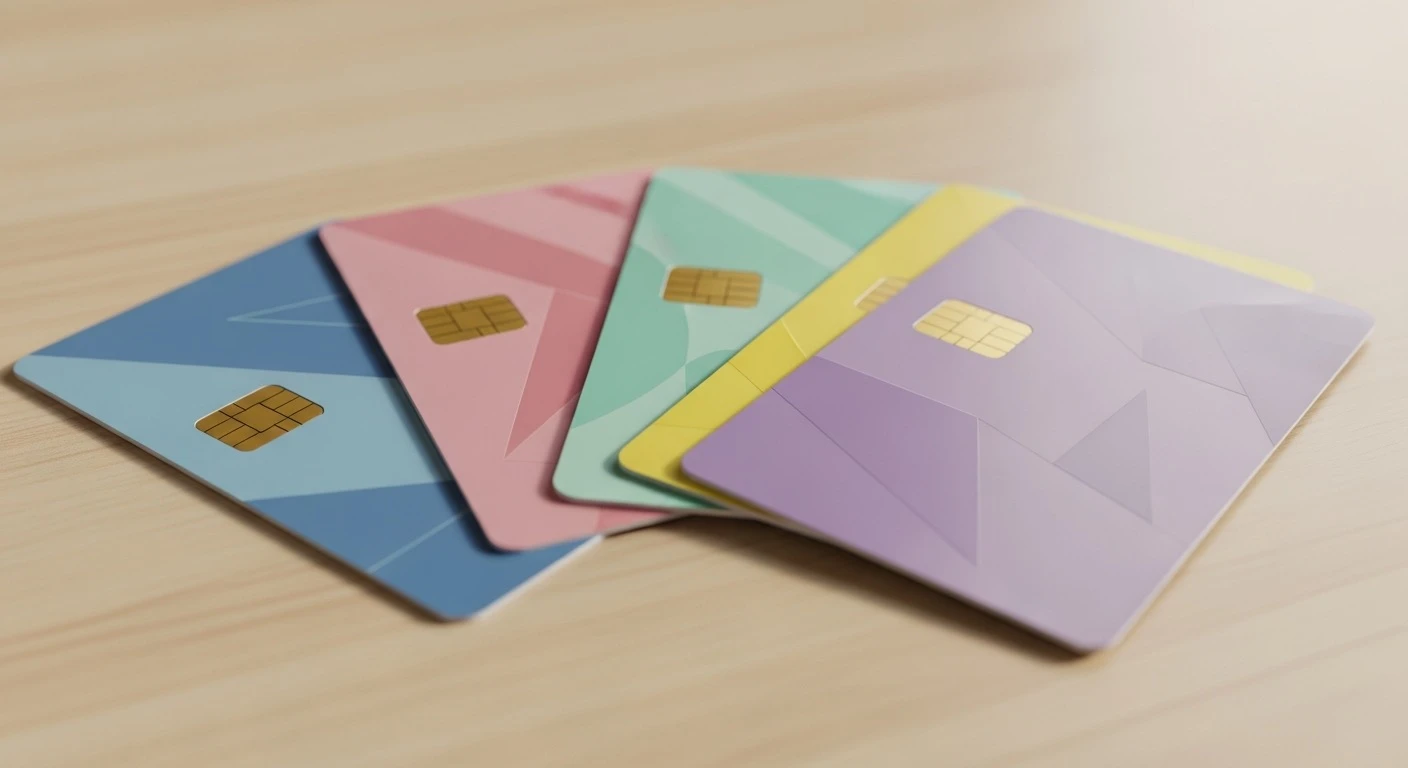
Once your account is open, you’ll get a debit card (check card in Korean). This works everywhere — convenience stores, restaurants, subway stations, online shopping. Korea is one of the most cashless societies in the world, and your debit card will be your primary payment method.
Key features:
- Works at all Korean card terminals (virtually every store)
- Can be linked to your T-money transit card (some bank cards have T-money built in)
- Contactless payment (tap-to-pay) at most terminals
- Daily spending/withdrawal limits can be adjusted via mobile app
- Cash withdrawal from any ATM (your bank’s ATMs are fee-free)
Credit Cards
Getting a credit card as a foreigner is harder than getting a debit card. Korean banks require:
- At least 6 months of income history in Korea
- A Korean credit score (which you build over time)
- Proof of stable employment
For most foreigners: Stick with your debit card for the first 6-12 months. It works everywhere a credit card does. If you need a credit card, apply after you’ve had consistent income deposited into your Korean account for at least 6 months.
Using Your Home Country Cards
Your Visa or Mastercard from home will work at most major stores, hotels, and restaurants. However:
- Foreign transaction fees: Your home bank likely charges 1-3% per transaction
- ATM withdrawal fees: Expect ₩3,000-₩4,000 per withdrawal from Korean ATMs, plus your bank’s international fee
- Acceptance: Smaller shops, market stalls, and some restaurants are Korean-cards-only
Bottom line: Get a Korean debit card as soon as possible. It saves you fees on every single purchase.
Exchanging Currency
Where to Exchange (Best to Worst Rates)
| Method | Exchange Rate | Fees | Best For |
|---|---|---|---|
| Private exchange booths (Myeongdong, Dongdaemun) | Excellent (closest to mid-market rate) | None or minimal | Large amounts (₩500,000+) |
| Bank exchange (in-branch) | Good | ₩0-₩5,000 depending on amount | Medium amounts, trustworthy |
| Wise (online) | Excellent (mid-market rate) | 0.4-0.6% | Transferring from your home account |
| Airport exchange counters | Poor (3-5% markup) | Often hidden in spread | Emergency small amounts only |
| Hotel exchange | Poor to terrible | High markup | Absolute last resort |
| ATM withdrawal (foreign card) | Decent (Visa/MC rate) | ₩3,000-₩4,000 + home bank fees | Convenience, small amounts |
Myeongdong Exchange Tips
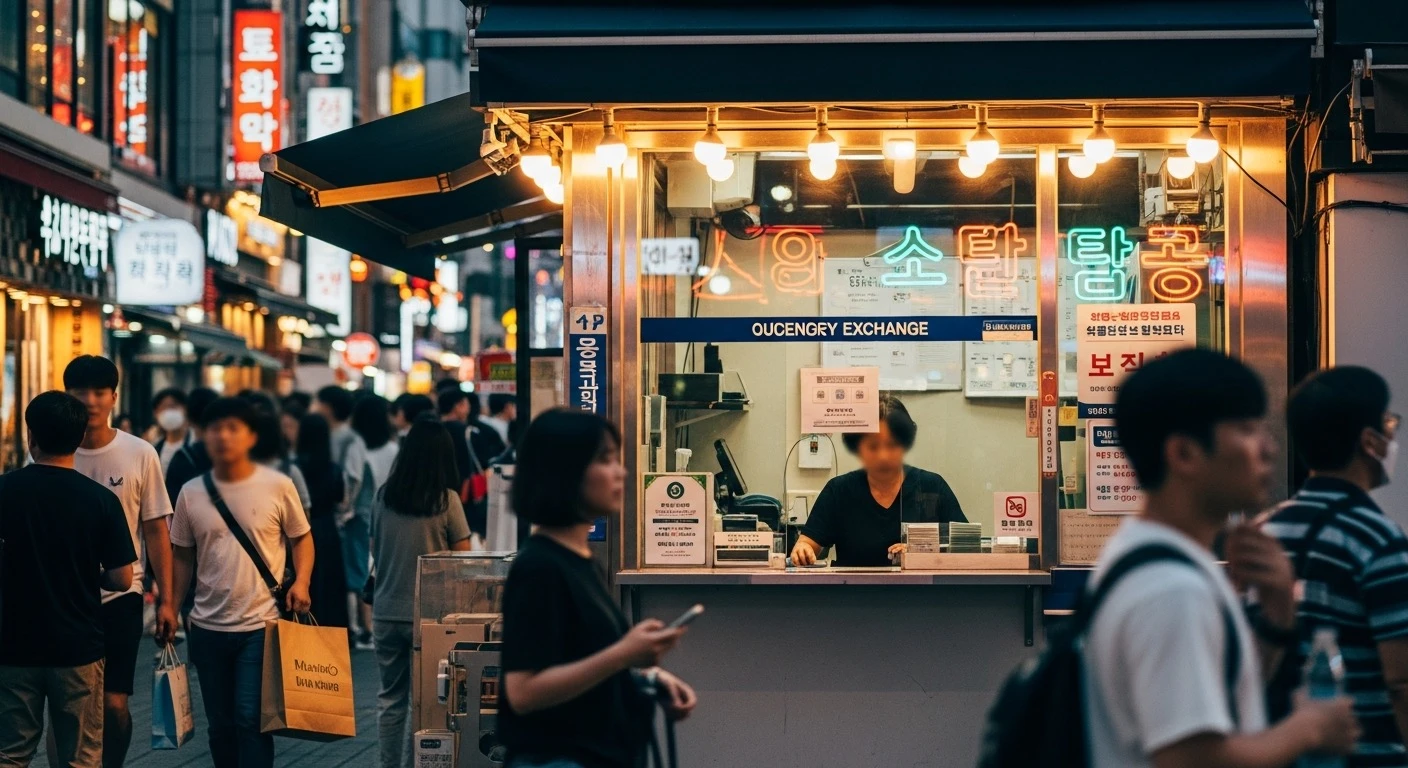
Myeongdong in central Seoul is famous for its exchange booths, and for good reason — they consistently offer the best rates in the country. Here’s how to use them:
- Compare 2-3 booths before exchanging — rates vary slightly between them
- USD, EUR, JPY, and CNY get the best rates; other currencies may have wider spreads
- No ID required for most transactions under ₩5,000,000
- Cash only — you can’t use a card at exchange booths
- Operating hours: Most open 9 AM – 9 PM daily
How Much Cash Do You Actually Need?
Korea is extremely cashless. You’ll need cash mainly for:
- Traditional markets and street food stalls
- Some small local restaurants
- Temple stays and some tourist attractions
- Tipping (not expected, but occasionally for special services)
Recommendation: Exchange $100-200 worth of won on arrival for immediate needs (taxi, food, T-money card), then use your Korean debit card for everything else.
Mobile Banking Apps
Korean mobile banking is incredibly advanced — you can do almost everything from your phone. But setting it up as a foreigner has some quirks.
Setting Up Mobile Banking
- Download your bank’s app (KB Star Banking, Shinhan SOL, Hana 1Q, etc.)
- Switch to English in the app settings (available for KB and Shinhan)
- Register your account using your ARC number and phone number
- Set up biometric login (fingerprint or face recognition)
- Complete identity verification — this may require a one-time visit to the branch or a video call
What You Can Do in the App
- Check balances and transaction history
- Transfer money between Korean accounts (instant, free)
- Pay bills (utilities, phone, internet)
- Set up automatic transfers and savings
- Exchange currency (at slightly better rates than in-branch)
- Lock/unlock your debit card
- Adjust withdrawal and spending limits
The Certificate Issue
Korea used to require a public authentication certificate for all online banking. This system was notoriously painful — it involved installing multiple security plugins, ActiveX controls, and was basically impossible on non-Windows computers.
Good news: As of 2020, the mandatory certificate system was abolished. Banks now offer alternative authentication methods:
- Biometric verification (fingerprint, face ID)
- Simple password (6-digit PIN in the app)
- Mobile OTP (one-time password generators)
- Pattern lock
Some older websites and government services still ask for certificates, but for day-to-day banking, the app-based methods work perfectly. If a bank teller tries to set up the old certificate system for you, ask about the simple authentication alternatives instead.
Sending Money Abroad
Whether you’re sending money home to family, paying off student loans, or saving in your home currency, you’ll need to transfer money internationally at some point. Here’s how to do it without losing a fortune in fees.
Option 1: Wise (Formerly TransferWise) — Best Overall
Wise is by far the most popular option among expats in Korea, and for good reason.
| Detail | Info |
|---|---|
| Exchange rate | Mid-market rate (the real rate you see on Google) |
| Fee | ~0.4-0.8% of transfer amount |
| Speed | 1-2 business days |
| Transfer limit | Up to ~₩50,000,000 per transaction |
| How it works | Transfer KRW to Wise’s Korean account → Wise converts and sends to your home account |
Setup:
- Create a Wise account at wise.com
- Verify your identity (passport + selfie)
- Add your Korean bank account as the funding source
- Add your home country bank account as the recipient
- Initiate a transfer — Wise gives you a Korean bank account to send KRW to
- Transfer the KRW from your Korean banking app to Wise’s account
- Wise converts and sends to your home account
Example: Sending ₩1,000,000 (~$750) to the US
- Wise fee: ~₩5,000-₩8,000
- Bank wire fee: ~₩20,000-₩50,000 + intermediary bank fees + poor exchange rate
- You save: ₩30,000-₩60,000 per transfer
Option 2: Bank Wire Transfer (Traditional)
You can send money directly from your Korean bank, but it’s expensive.
| Detail | Info |
|---|---|
| Exchange rate | Bank’s rate (usually 1-2% worse than mid-market) |
| Sending fee | ₩10,000-₩30,000 per transfer |
| Intermediary bank fee | $10-$30 (deducted from received amount) |
| Receiving bank fee | Varies (your home bank may charge too) |
| Speed | 2-5 business days |
| Where | In-branch (some banks allow via app for pre-registered recipients) |
When bank wire makes sense: For very large transfers (₩50,000,000+) where the flat fees become proportionally smaller, or when you need an official bank record for tax/visa purposes.
Option 3: Other Fintech Services
| Service | Pros | Cons |
|---|---|---|
| Remitly | Fast, good rates to specific countries | Limited currency pairs |
| PayPal | Widely accepted | High fees (2.5-4%), poor exchange rate |
| Western Union | Available everywhere | Expensive fees, poor rates |
| SentBe | Korea-based, competitive rates | Smaller coverage than Wise |
Tax Reporting
If you’re sending large amounts abroad, be aware:
- Transfers over $50,000/year require additional reporting to the Bank of Korea
- Your employer may need to provide a tax clearance certificate for large transfers
- Keep records of all international transfers for tax purposes in both countries
Linking Your Bank Account to T-money
Some Korean debit cards come with T-money functionality built in — meaning your bank card doubles as your transit card. Check with your bank when opening your account.
If your card doesn’t have T-money:
- You can link a mobile T-money to your bank account for automatic recharging
- Use Samsung Pay or Apple Pay with T-money integration
- Or just keep a separate T-money card and recharge it at convenience stores
The convenience factor: Having T-money on your bank card means one less card to carry. Tap it on the bus, tap it at the convenience store, tap it at the subway — all on one card.
ATM Tips for Foreigners
- Your bank’s ATMs are free. Using another bank’s ATM costs ₩500-₩1,000 per transaction.
- Global ATMs (with Visa/Mastercard/Cirrus logos) accept foreign cards. Look for the “Global” or “International” label on the ATM.
- Convenience store ATMs (CU, GS25) usually support foreign cards and are available 24/7.
- Withdrawal limits: Most ATMs cap foreign card withdrawals at ₩1,000,000 per transaction.
- Always choose “without conversion” when the ATM asks if you want to be charged in your home currency. This is called Dynamic Currency Conversion (DCC) — the ATM’s rate is always worse than your bank’s rate.
Common Mistakes to Avoid
- Exchanging at the airport. Airport rates are notoriously bad. Exchange just enough for a taxi and T-money card, then find a proper exchange booth in the city.
- Not bringing your passport to the bank. Even if you have your ARC, bring your passport too. Some procedures require it.
- Accepting DCC at ATMs. When an ATM offers to charge you in USD/EUR/etc., always decline and choose Korean won. Your home bank’s rate is almost always better.
- Sending money via PayPal. PayPal’s fees and exchange rates are among the worst options for international transfers. Use Wise instead.
- Forgetting to report large transfers. If you’re sending more than $50,000 per year out of Korea, you need to report it. Failing to do so can result in fines.
- Trying to open an account at a random branch. Not all branches are equipped to handle foreign customers. Call ahead or visit branches in international areas (Itaewon, Hongdae, university districts).
Have questions about banking in Korea? Drop a comment below — we’ve been through the process and we’re happy to help!